The Best 'Design' Sites of 2026 Aren't Design Tools — They're AI Context
Five sites making the rounds promise better-looking apps. The real story: four of them aren't design tools at all — they're context engines that give your AI taste. Here's the stack and how to chain it.
If you build with AI, you’ve hit the wall: you tell Claude or Cursor to “build this in the style of that site,” and what comes back is technically close but clearly not it. The spacing feels arbitrary. The proportions are off. It looks AI-generated.
The instinct is to blame the model. The actual problem is the brief. “Clean and modern” isn’t design direction — it’s a shrug. And a model can only be as tasteful as the context you hand it.
That’s why the most useful “design” sites going around right now aren’t really design tools. Four of the five below are context engines: they exist to give your AI the specific, measurable taste it’s missing. Here’s the stack, ranked from most useful to most niche, plus how to chain them into a single workflow.
The shift: from designing by hand to briefing the model
The old loop was design in Figma, then build. The new loop is assemble a context pack, then let the AI build. The skill that matters now isn’t pushing pixels — it’s writing a briefing packet precise enough that the model produces something you’d actually ship.
Each tool below is one slot in that packet.
5. Aceternity UI — the component layer everyone’s already copying
Aceternity UI is a library of animation-heavy React components — 3D cards, glowing beams, gradient backgrounds, animated hero sections — built on Tailwind CSS and Framer Motion. You don’t install a package; you copy components into your codebase (via the shadcn CLI or by hand) and own the code.
It’s the fastest way to make a marketing page look like a design team spent weeks on it. The catch worth knowing: these are aesthetic-first components, and the copy-paste model puts accessibility entirely on you. Great for a landing page; use sparingly inside data-dense app UIs.
Best for: marketing sites, landing pages, anything where visual impact is the point.
4. Taste Lab — turns a website’s taste into a file your AI can read
This is the one that directly fixes the “close but not it” problem. Taste Lab points a chain of AI agents at any website and extracts its design DNA — every color, weight, spacing value, radius, and shadow, cited with exact values, plus the reasoning behind each decision. The output is a single file you hand to your AI tool.
The difference is subtle but real: design tokens tell a model what a design is; Taste Lab adds the why — the deliberate trade-offs. It even bans filler like “clean and modern” from its own output. Feed that file into your build and the model suddenly has reference, not vibes.
Best for: anyone prompting AI to build “in the style of” a specific site.
3. Mobbin — every screen from every major app, searchable
Mobbin is a catalog of real screens from real apps — onboarding flows, paywalls, settings panels, data tables — indexed by pattern so you can find exactly the interaction you want. Instead of inventing a flow, you pull a proven one, hand the screenshot to your AI, and tell it to match the pattern.
Best for: copying battle-tested UX flows instead of reinventing them.
2. Godly — a live gallery of the best sites on the internet
Godly is a curated, constantly updated gallery of the best web design shipping right now. Its real use isn’t browsing for pleasure — it’s taste-priming. Spend ten minutes here before you start, pick one or two references, and the quality bar you give your AI rises immediately.
Best for: the first ten minutes of any build, before you write a single prompt.
1. 10x — idea to native iOS app, no Swift required
The most niche and the most ambitious. 10x takes an app idea and generates native SwiftUI code, scaffolds the Xcode project, and even produces App Store assets — logo, screenshots, description — taking you from concept to submission in minutes rather than weeks. Unlike web-wrapper tools, it commits to real native Swift. Pricing starts around $20/month.
It’s the outlier on this list because it’s a builder, not a context tool — but it closes the loop for anyone who wants a native app without hiring an iOS team.
Best for: shipping a native iOS app solo.
The workflow: chain them, don’t shop them
Used individually, these are bookmarks. Chained, they’re a repeatable system:
| Step | Tool | What you get |
|---|---|---|
| 1. Prime taste | Godly | 1–2 reference sites that set the bar |
| 2. Extract DNA | Taste Lab | A design-spec file with exact values |
| 3. Pull patterns | Mobbin | Proven flows to mirror |
| 4. Drop in components | Aceternity | Polished, animated building blocks |
| 5. Build | Claude Code / Cursor | Output that holds up, because the context did |
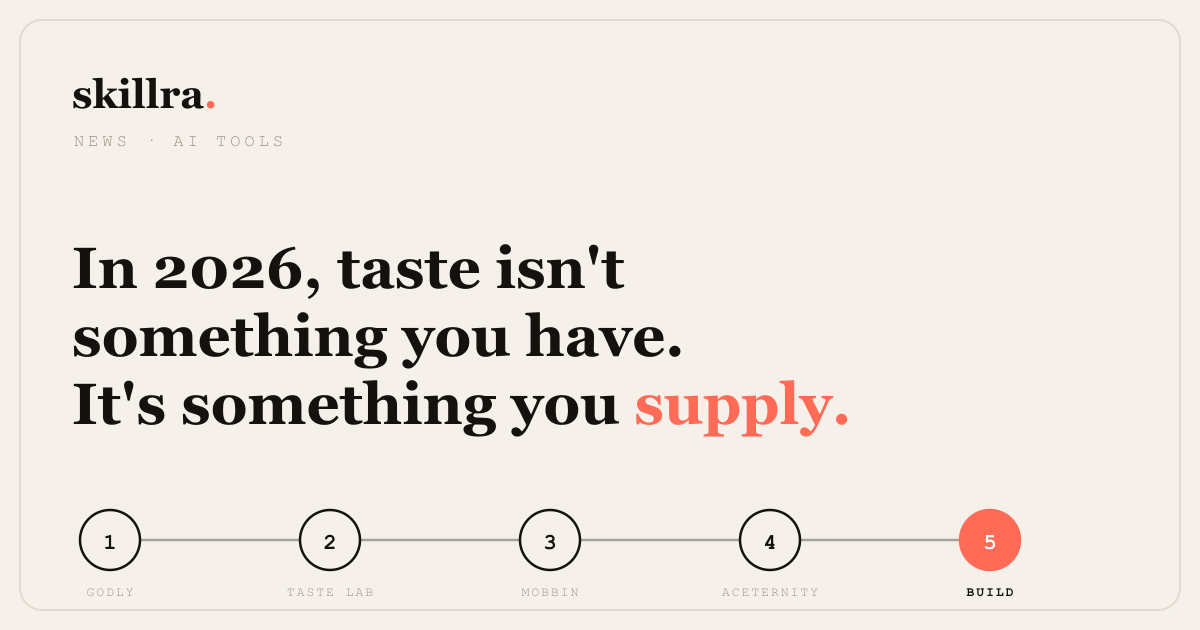
That’s the whole point. Four of these five tools never touch a pixel — they assemble the briefing that makes the fifth step work. In 2026, taste isn’t something you have. It’s something you supply.
Tools, features, and pricing referenced here are current as of publication and change frequently — check each site for the latest. Skillra covers the tools and workflows shaping AI-assisted building.
Sources
- 1. Aceternity UI ↗
- 2. Taste Lab ↗
- 3. Mobbin ↗
- 4. Godly ↗
- 5. 10x ↗
One useful email.
New courses, honest tool picks, and the releases that matter. No spam, unsubscribe anytime.